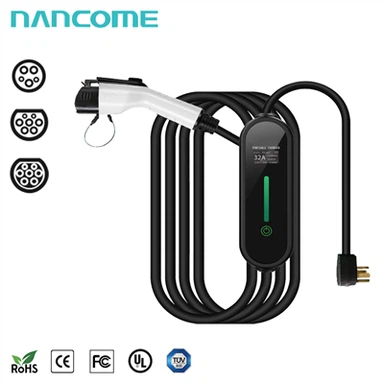
What should I do if the charging cable is locked and cannot be dialed?
Nov 08, 2023

If the charging cable is locked and cannot be disconnected or dialed, try these steps to safely address the issue:
Power Off Devices: If possible, turn off the device that the cable is connected to. This might eliminate any active processes or electrical current that could be causing the cable to be stuck.
Check for Obstructions: Inspect the cable and the port for any visible obstructions. Sometimes dust, debris, or damage can cause the cable to be stuck.
Use Proper Technique: Make sure you are using the correct technique to disconnect the cable. For instance, ensure you're pressing any release buttons or tabs that might be keeping the cable locked in place.
Gently Wiggle and Pull: Try gently wiggling the cable from side to side while applying a steady, even pulling force. Avoid pulling too hard, as this might damage the port or the cable.
Utilize Tools: In some cases, using small tools like tweezers, small pliers, or a flathead screwdriver (with extreme caution) might assist in releasing the cable. However, be extremely careful not to damage the cable, the port, or the device.
Consult a Professional: If you're uncertain or uncomfortable with troubleshooting this issue, it might be best to take your device to a professional, such as a technician at an electronics store or the manufacturer's service center.
Contact Manufacturer Support: If the device is under warranty or if you believe there might be a defect, reaching out to the manufacturer's customer support might provide guidance or even a solution.
Always prioritize your safety and the integrity of your devices when attempting to resolve issues like a stuck charging cable. If you're unable to resolve it or if there's a risk of damage, seek assistance from a professional.